Web Based Audio Visualizer - Equalizers
A downloadable tool
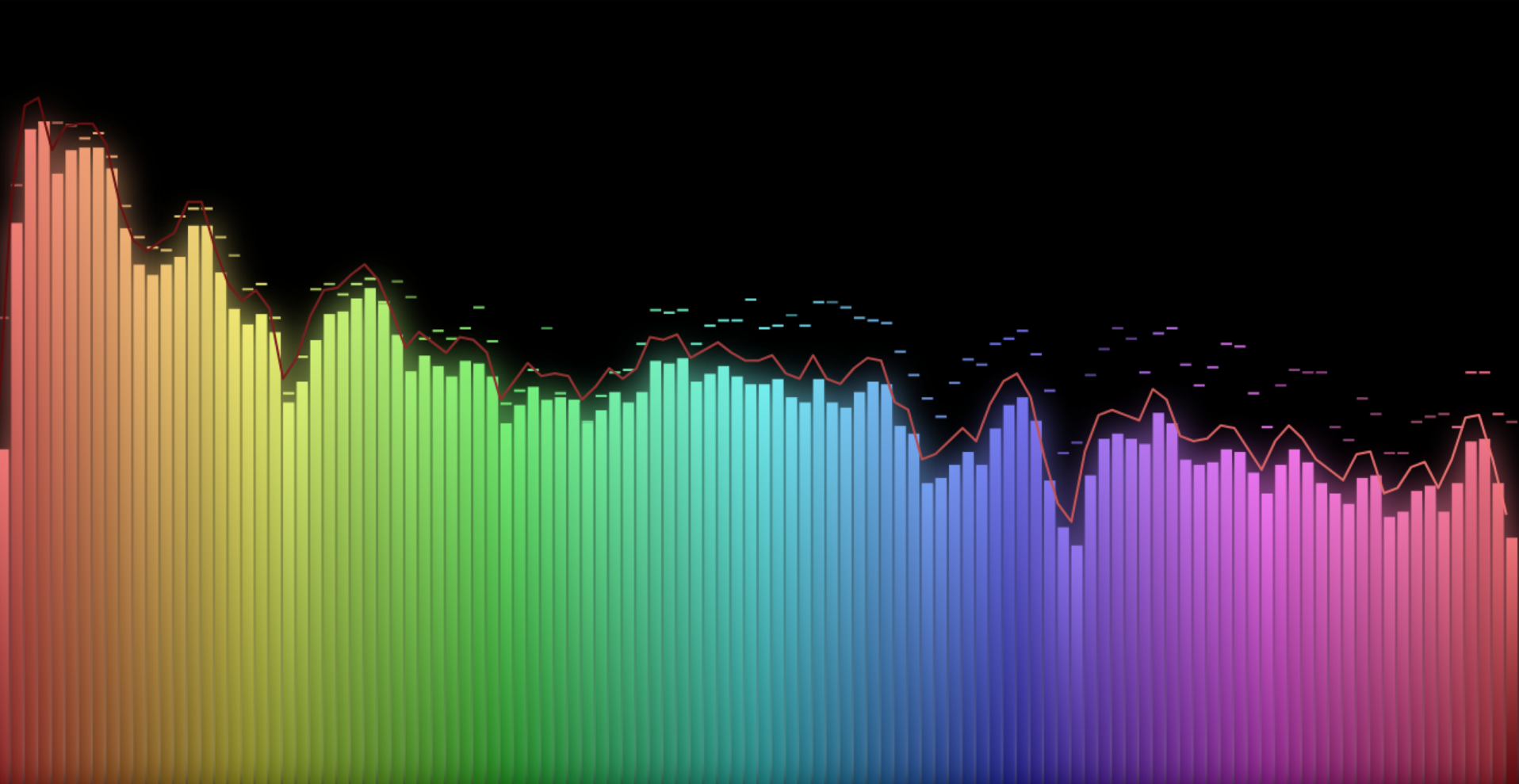
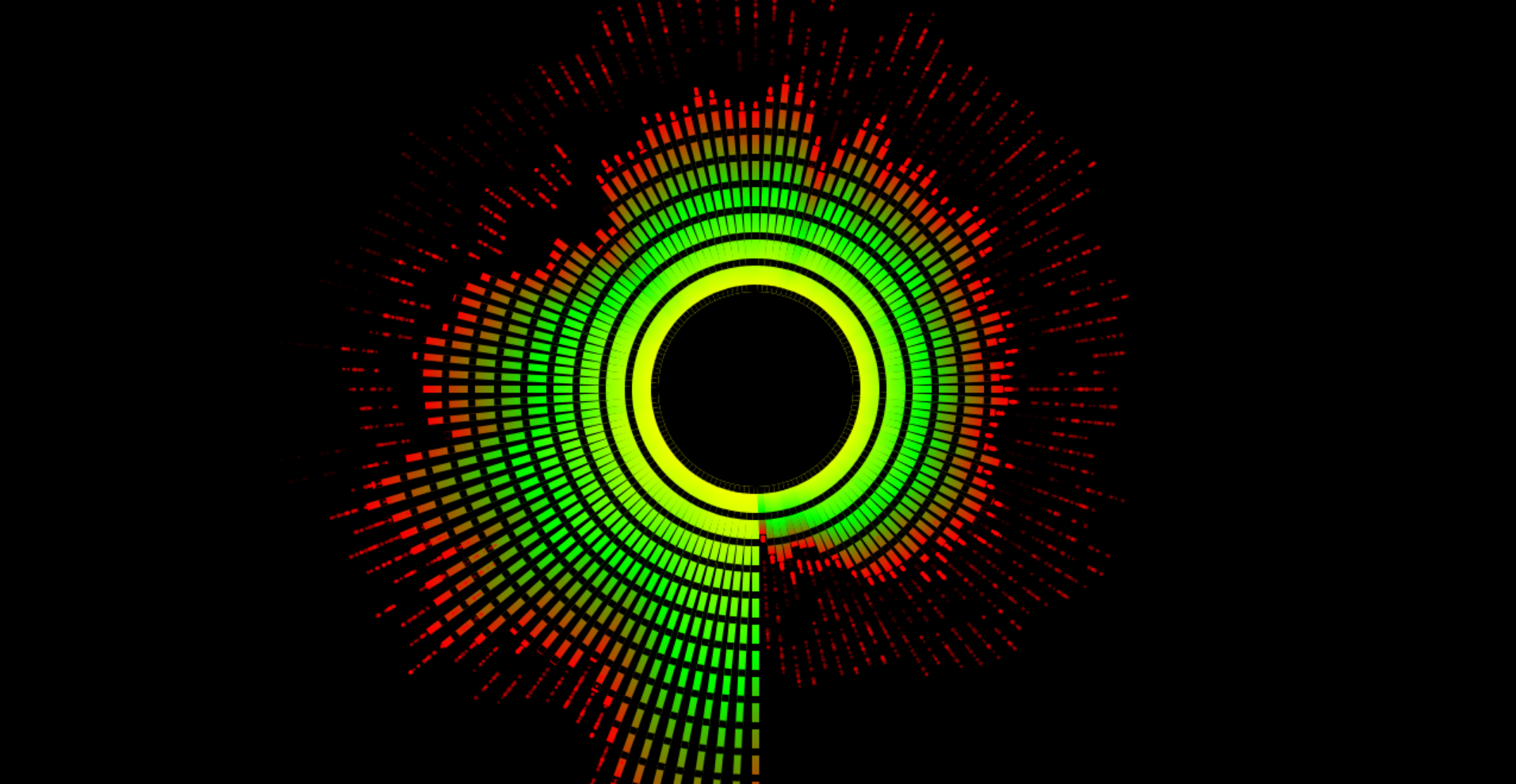
This HTML app lets you visualize the audio from a source (mic, tab, window, screen.) It has auto play for (18) hand made presets, and you can make your own customizable profiles. There is a small, required security banner at the top of the screen for all browsers 'tabs' that share, hidable if you use 'window' or 'screen' option. Tested with Youtube/Spotify playlists. Cast to big screen TV with Chrome while house cleaning. Has worked with all things I have tested, games, VLC player ect..
How to Use
1. Save, Open, click on the setting button on the right top.
2. Under the 'Source' tab, select an audio source. Once one is selected it should start visualizing.
3. Under the 'Auto Play' select 'Enable Auto Play' to play thru all 18 presets.
4. Make you own visualizations with the 'Visuals', 'Styles' and 'Effects' tabs.
If you end up using and liking this app, consider a lil dono, thanks.
Download
Click download now to get access to the following files:


Leave a comment
Log in with itch.io to leave a comment.