Browser Based Audio Visualizer - Particles
A downloadable tool
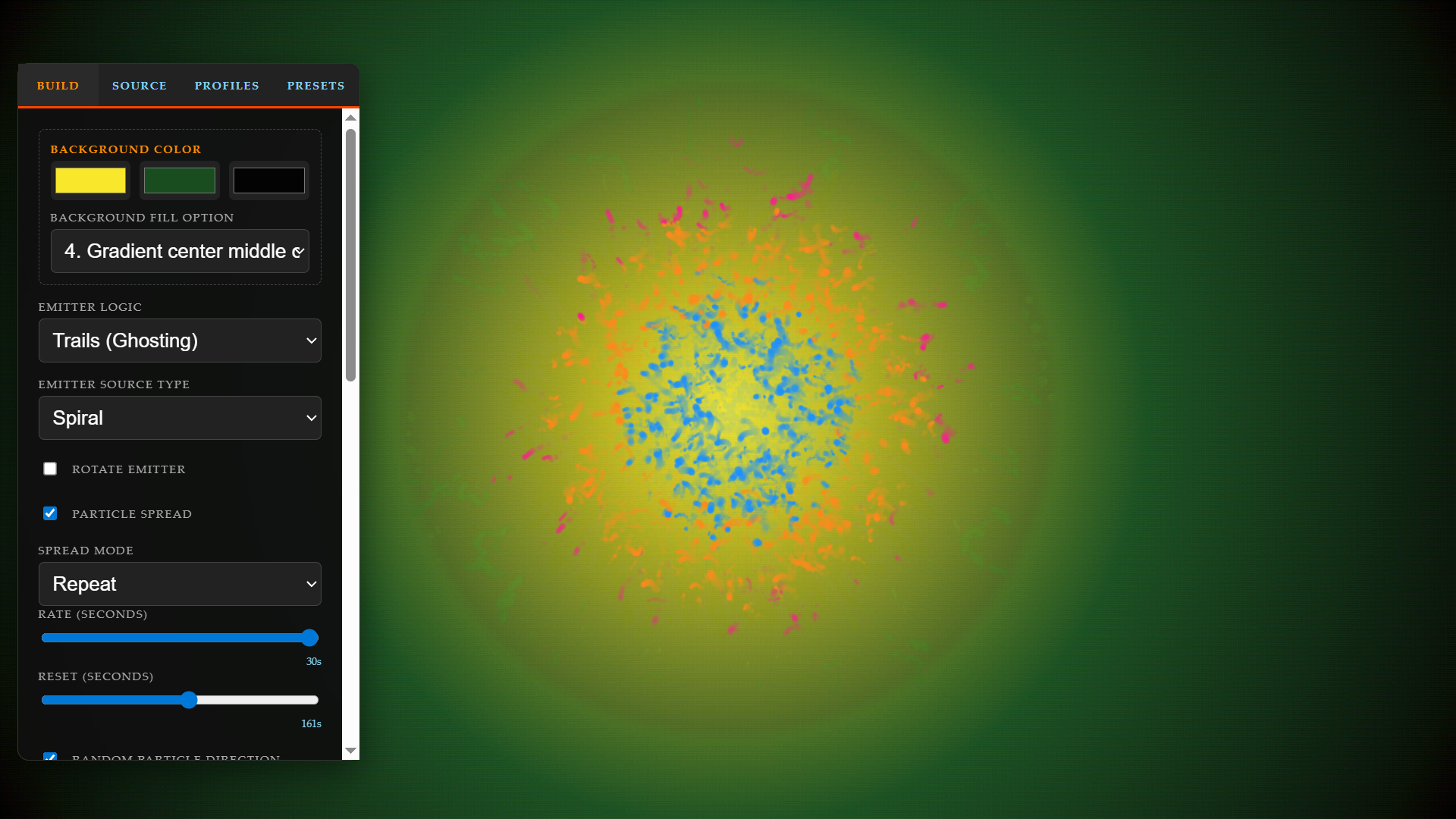
This HTML app lets you visualize the audio from a source (mic, tab, window, screen.) It has auto play for (22) hand made presets, and you can make your own customizable profiles. There is a small, 'Shared tab" at the top of the screen for all browser 'tabs' that share, hidable if you use 'window' or 'screen' option. Tested with Youtube/Spotify playlists. Cast to big screen TV with Chrome while house cleaning. Has worked with all things I have tested, games, VLC player ect..
How to Use
1. Save, Open with browser, click on the setting button on the right top.
2. Under the 'Source' tab, select an audio source. Once one is selected it should start visualizing. Ensure you check 'Share tab audio' in the browser popup.
3. Under the 'Auto Play' select 'Start Auto Play' to play thru all 22 presets.
4. Make you own visualizations with the 'Build', and 'Source' tabs.
AI for code, 1 or 2 features at time, every name, effect, slider made intentionally, no AI hallucinating or adding anything not intended. All presets hand made [the fun part].
If you end up using and liking this app, consider a lil dono, thanks.
Download
Click download now to get access to the following files:




Leave a comment
Log in with itch.io to leave a comment.